
Shopify App Overload: Why Fewer Apps Can Increase Your Sales
Shopify apps are designed to make your store better, smarter, and more profitable. But there’s a point where adding more apps stops helping and starts hurting.
Many store owners don’t notice when this shift happens. They keep installing apps for every new feature, assuming it will improve performance. This often leads to a slower store with a cluttered interface and a frustrating user experience.
The Hidden Impact of Too Many Apps
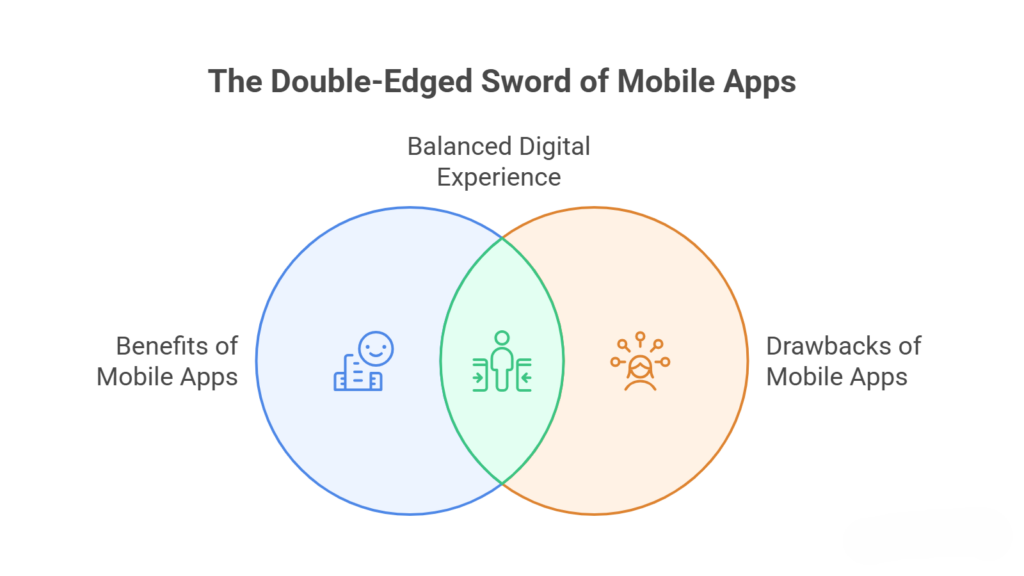
Why Every App Adds More Than Just Features
When you install a Shopify app, you’re not just adding functionality; you’re also adding extra code that needs to load every time a visitor opens your store. This includes script styles and background processes that all compete for speed and performance.
Over time, these small additions build up. What once was a fast and smooth store is gradually becoming heavy and slower to respond, especially on mobile devices, where performance matters the most.
How App Stacking Creates Performance Issues
Most apps are built independently, which means they are not always optimized to work efficiently together. When multiple apps try to load at the same time, they can delay how quickly your store becomes usable.
This doesn’t always break your site, but it creates subtle delays that affect how users experience your store, and those delays are enough to make people leave.
How App Overload Affects Your Sales
Slower Speed Pushes Visitors Away
A slow-loading store is one of the fastest ways to lose potential customers. Visitors expect pages to load quickly, and when they don’t, they leave without exploring further.
This directly increases your bounce rate and reduces the number of people who even get a chance to see your products.
Too Many Elements Reduce Clarity
When your store is filled with popups, banners, chat widgets, and promotional tools, it can feel overwhelming. Instead of guiding users toward a purchase, it creates distractions that break their focus.
Checkout Experience Becomes Less Reliable
The checkout process is where everything matters most. If additional apps slow down or interfere with this step, even interested buyers may abandon their carts. This is one of the costliest effects of app overload because it impacts users who are already ready to buy.
Why Fewer Apps Often Perform Better
A Lean Store Loads Faster and Feels Smoother
When you reduce the number of apps, your store becomes lighter. Pages load faster, navigation feels smoother, and users can move through your site without delays.
This creates a seamless experience that naturally encourages visitors to stay longer and explore more.
Cleaner Design Improves Decision-Making
With fewer distractions, users can focus on what actually matters to your products. A clean and simple interface makes it easier for customers to understand your offerings and act.
How to Reduce Apps Without Losing Functionality
Focus on What Actually Drives Results
Start by reviewing each app and asking whether it directly contributes to sales or user experience. If an app doesn’t clearly support your goals, it’s likely unnecessary.
Avoid Feature Duplication
Many stores unknowingly use multiple apps for similar purposes. This adds extra load without adding real value. Consolidating features into fewer tools can significantly improve efficiency.
Use Shopify’s Built-In Capabilities
Shopify already includes many features that store owners overlook. Relying on built-in functionality reduces the need for additional apps and keeps your store lighter.
Final Thoughts
Using Shopify apps is essential, but using too many can quietly damage your store’s performance. What feels like improvement on the surface often creates hidden friction underneath.
If your goal is to increase sales, the solution isn’t always adding more features. Sometimes it’s about simplifying your store and focusing on what truly matters.
A faster, cleaner, and more focused store doesn’t just look better; it performs better. And in eCommerce, better performance always leads to better results.
Frequently Asked Questions (Shopify App Overload: Why Fewer Apps Can Increase Your Sales)
How do you increase your sales on Shopify?
Increase sales on Shopify by optimizing speed, improving UX using upsells, SEO, email marketing, ads, mobile optimization, high-quality images, and reducing checkout friction effectively.
What are the most common Shopify mistakes to avoid?
Common Shopify mistakes include slow themes, too many apps, poor UX, weak SEO, bad product pages, unclear pricing, ignoring mobile optimization, and complicated checkout processes, hurting conversions.
Does having an app increase business?
Having an app can increase business by improving customer experience engagement and retention, but success depends on usability, value marketing, and how well it complements your overall strategy.
Is headless Shopify worth it?
Headless Shopify is worth it for large brands needing flexibility and speed, but small businesses often find it costly, complex, and unnecessary compared to traditional setups.